
latest
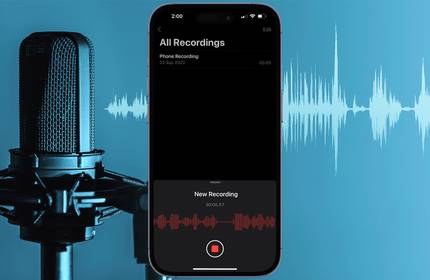
How to Record Phone Calls and Conversations on iPhone
Although not available as a built-in feature, you have multiple options to record phone calls on your iPhone.

4 Ways to Record Audio on Your Android Device
You have multiple ways to record both your voice as well as your device's audio on Android.

What Are ADCs (Analog-to-Digital Converters) and How Do They Work?
ADCs are crucial for converting all kinds of analog signals to digital, but how do they actually work?

How to Record Audio While Screen Recording in the Windows 11 Snipping Tool
If you're a Windows Insider user, you can explore the audio recording feature in the Snipping Tool. Here's how to set it up.

Every Stage of Music Production Explained
For newcomers in music production, knowing every stage of the process is essential. Let's delve into it.

How to Record Audio on Windows 11
Record through your microphone or grab your computer's audio on Windows 11.
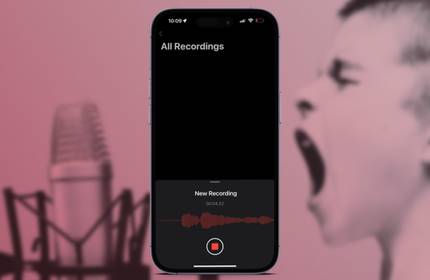
Voice Memos on the iPhone: A Complete Guide
Your iPhone (or iPad) has the perfect built-in app to use any time you want to make a quick recording of someone talking, or any other audio.

How to Easily Record Voice Memos on a Mac
The built-in Voice Memos app on your Mac makes it easy to record and edit audio clips. Here, we'll help you get started with it.
The Pros and Cons of Voice Cloning for Creating Content at Scale
Voice cloning significantly reduces time spent on projects like voiceovers. But artificial intelligence will always lack the human touch.

RØDECaster Duo: A Streamlined and Cheaper RØDECaster Pro II
If you can live with fewer inputs and outputs, the Duo offers a compact alternative to the full Pro II with nearly all the same features.

The 10 Best Music Recording Apps for Android
Song recording apps for Android are better and more powerful than you might expect. Here are our picks of the best.

How to Merge Multiple Takes in Logic Pro
Utilize Take Folders to streamline the process of working with multiple recordings in Logic Pro.

4 Reasons You Should Buy an External DAC Instead of a Sound Card
Considering upgrading your PC audio? Why not try an external DAC?

10 Reasons Why You Should Start Your Own Podcast
Not only can podcasts provide you with a creative outlet, but they can also help you meet new and interesting people.

How to Use an External USB Microphone With Your iPhone
You can dramatically improve the quality of your audio recordings by connecting an external USB mic to your iPhone. We'll teach you how to set one up.

The 10 Most Common Audio Formats: Which One Should You Use?
You know about MP3, but what about AAC, FLAC, OGG, or WMA? Why do so many audio file formats exist and is there a best audio format?

The 6 Best Reverb Techniques for Your Vocals
Using the right reverb techniques on your vocals will give you a more professional sound. Try these methods to make your vocals stand out.
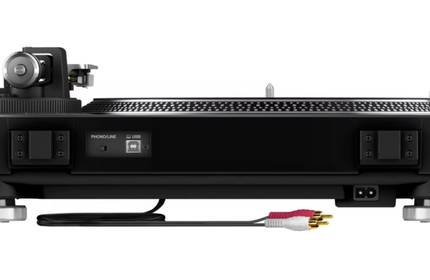
What's the Difference Between Phono and Line?
Confused while connecting your record player? Suffering to get your speakers working? We've come to the rescue!

8 Questions to Ask Before Buying an External Microphone
Microphones can seem overwhelming, but there are some handy questions you can ask before buying.

How to Record Multiple Audio Tracks to One File in OBS Studio
Setting up multi-track recording in OBS will give you a lot more options for editing in post. Here's how to do it.