
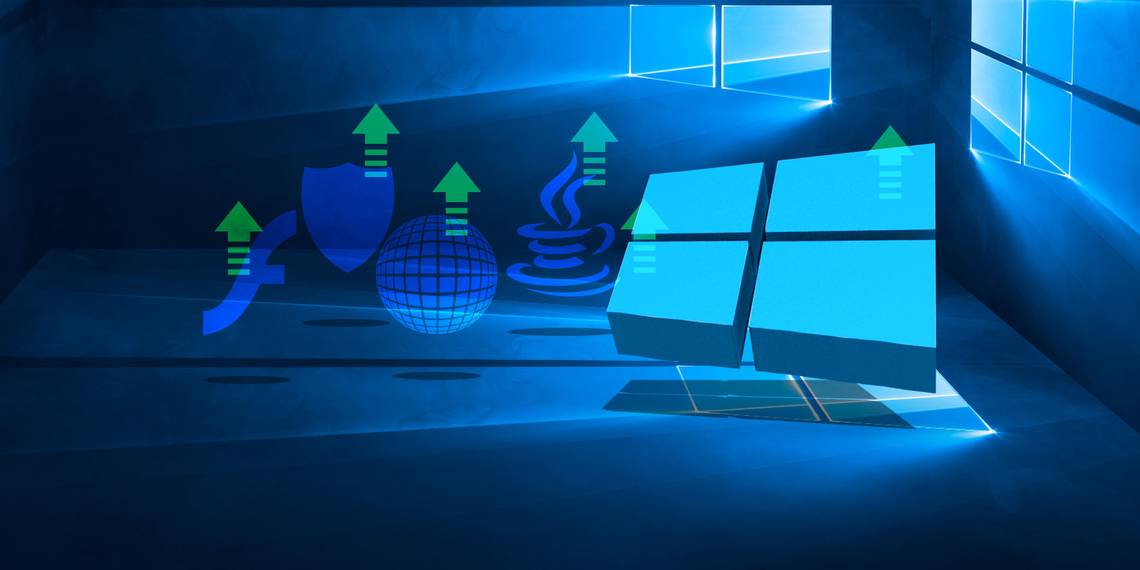
It's key to keep your Windows system and the applications on it up-to-date. Not only will you get new features, but most importantly you'll be protected against the latest security threats. The same is true for many apps.
The types of apps you should keep updated include anti-virus, banking software, and browser plugins. While nothing will ever be truly free from vulnerabilities, with new flaws appearing all the time, it's best to keep your programs as patched as possible.
If you think we've missed out some Windows apps that must be kept updated, please share your thoughts in the comments below.
1. Windows Update
Controversially, Windows 10 will automatically update itself. Unlike previous versions of the operating system (OS), which gave you more choice over what you installed, Windows 10 will download and install updates whether you want it to or not.
This is because Microsoft views Windows 10 as a service and keeping every user on the same version is better from a compatibility standpoint. It also means that the company can patch vulnerabilities and keep your system secure. For example, past flaws in Windows have allowed some hackers to install programs, view data, and create accounts without permission.

To adjust your Windows Update settings, press Windows key + I and select Update & security. You'll see when the system last looked for updates, an action you can manually perform by clicking Check for updates. Options like Change active hours and Restart options will give you a bit more flexibility over the update schedule.
Importantly, click Advanced options and tick Give me updates for other Microsoft products when I update Windows, which supports programs like Microsoft Office.
For more information, check our guide on how to manage Windows Update in Windows 10.
2. Anti-Virus Software
We recently conducted a round-up of some of the best free anti-virus programs to help you stay protected. Windows computers take up the majority of the market share, and are usually used in an enterprise environment, which make them prime targets for the malicious folk developing viruses.
The developers behind anti-virus programs are constantly researching to patch their virus definitions. However, that's no use to you if you're not running the latest version of the program. Most good anti-virus software will automatically update, but you should check.

Load up the program by searching for it through the Start menu, then look for the update settings. This will vary depending on what anti-virus you're using, but it's usually in the Settings or Tools menu. If you get the choice, set the program to update daily to ensure you're kept completely up-to-date.
All this said, if you're a savvy computer user then you might not need third-party anti-virus software, as Windows Defender can do a decent job. It will remain updated as part of Windows, as outlined above.
3. Internet Browser
Your internet browser is a portal to trouble. Luckily, all good browsers have features to help protect their users. For example, they will warn you if the website lacks SSL security, stop a page redirecting elsewhere without permission, and disable outdated plugins. Sometimes the browser itself can have flaws, with mistakes in the code that allows an attacker to get a foothold.
All of these great protective features, along with security patches, will only be served to you if you're running the latest version of the browser. It's likely that your browser is updating automatically in the background without you being aware, but it's always good practice to check you have the latest browser version.

On Firefox, click the hamburger menu icon > question mark icon > About Firefox. It'll automatically check for updates and display the version number.
On Chrome, input
chrome://chrome/
in the address bar and hit Enter. This page will show the version number and automatically check for updates. If it finds any, you may need to click Relaunch for the changes to take effect.
Edge will automatically update through Windows Update as it's Microsoft's official and main browser, superseding Internet Explorer. Read the first section above for more information on how this works.
If you're not sure which browser is the best for you, check out our ultimate browser comparison guide.
4. Flash and Java
When it comes to internet plugins, Adobe Flash and Java are simultaneously two of the most widely used and horrendously insecure. There was a time where Flash ruled the roost online, with websites like YouTube and Netflix using it to serve up their videos, but things have changed and now HTML5 is becoming standard. Flash is slow, vulnerable and needs phasing out, and the same thing can be said for Java.

Some browsers will automatically disable these plugins, requiring you to allow them to run each time. It's likely that they'll be completely phased out in a few years at most, but until that time there are some websites that still make use of Flash and Java. As such, if you're going to be running them, you definitely need to keep them updated.
These programs should update automatically. To check if you have the latest versions, head to the respective websites: Flash and Java. Remember to untick any optional offers before downloading. However, considering how vulnerable Flash and Java are, you might be better of uninstalling both of these programs completely.
Use Dedicated Update Software
It's good practice to keep the software already outlined updated, but that's just the surface. There are other applications that you might be using which you should also consider: banking software, password managers, and cloud storage programs to name a few. The majority of modern programs will automatically keep themselves up-to-date, but some won't. To ensure you catch everything, consider using software designed solely to keep everything else updated.
Ninite Updater is a good paid solution, but you can get free alternatives like Patch My PC and FileHippo App Manager. I think the best choice is Personal Software Inspector due to the fact it's free and has a large database of programs that it'll check for updates on, so nearly everything you have installed should be covered.
Keep Updated
It's crucial that you keep everything on your system updated so that you're protected from the latest security threats. New vulnerabilities are being developed and discovered all the time and you don't want to expose yourself to them.
Keeping everything updated will also mean that you don't run into compatibility problems, as highlighted recently when Google announced that older versions of their software would soon stop working.
Is there a program that you always keep updated? Have you run into any problems with outdated software?