
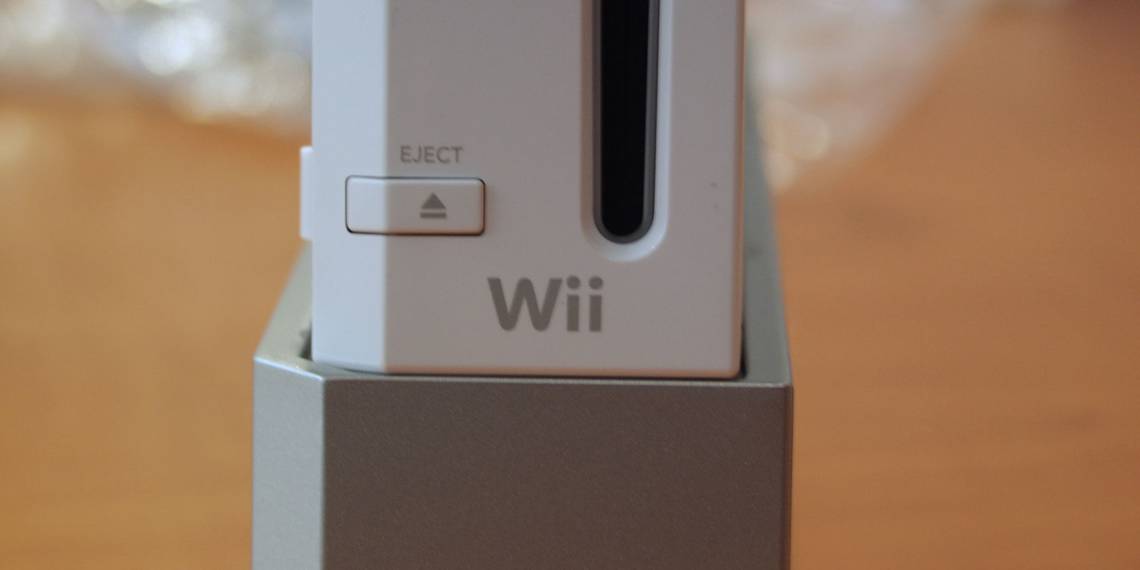
The Nintendo Wii is one of Nintendo's most successful offerings of all time. Boasting innovative (for the time) motion controls, backwards compatibility with GameCube games, and tons of family-friendly games, it's no wonder the Wii console was a smash hit.
Notably, the Wii was also Nintendo's first home console with full online support. In this article, we'll show you how to connect your Wii to the internet and what you can still do with the console online.
Does the Wii Have Wi-Fi?
Before we start, you might wonder if the Wii console can connect to Wi-Fi. The answer is Yes, the Wii has Wi-Fi support. The only exception is the Wii Mini, a smaller revision that Nintendo released in 2012-2013. This model does not have any online capabilities.
Check the below image to see if you have a Wii Mini; compared to the original model, it's both much smaller and loads discs via the top.

While you can connect the Wii to the internet, don't forget that the console is more than a decade old. Because of this, its online functionality is quite limited.
The Wii once had many online functions, including sending messages to friends, playing games with others, and downloading from the Wii Shop Channel. Unfortunately, Nintendo has retired most of these services. So while you can connect the Wii to Wi-Fi, what this enables is fairly underwhelming nowadays.
Nonetheless, let's take a look at how to connect your Wii to Wi-Fi. We'll look at what features are no longer available afterwards.
How to Connect Your Wii Console to the Internet
The processing of connecting a Wii to Wi-Fi is simple, and should be familiar to anyone who's connected a laptop, phone, or other device to Wi-Fi before.
Start by turning on your Wii. If you haven't turned on your console in a while, you might need to review the ways to connect your Wii to a TV first.
On the Wii Menu, select the Wii button in the lower-left corner of the screen.

Choose Wii Settings from the resulting menu.

Click the arrow on the right side of the screen to move to the second page of options. Here, choose Internet.

On the resulting page, select Connection Settings.

You'll see three connections here labeled Connection 1, Connection 2, and Connection 3. If you've never utilized the Wii's internet connection features before, these will all say None. Select one to set up a new connection.

If you already have three connections set up, choose one and select Clear settings to erase it.
Connecting Your Wii via Ethernet

Next, you'll need to decide if you want to connect your Wii to the internet using Wi-Fi or a wired connection. If you want to use a wired connection, connect an Ethernet cable, then select Wired Connection and the test should complete successfully.
The Wii doesn't have an Ethernet port built-in, so you'll need to buy the Wii LAN adapter if you want to use a wired connection.
This device connects to the Wii via its USB port, allowing you to connect your console to your router via an Ethernet cable. You'll find many cheap USB Ethernet adapters on the market, but Nintendo states that third-party units might not work with the Wii.
You'll probably have the best luck looking for a used official Wii LAN adapter on eBay or similar site if you want to use a wired connection to get your Wii online.
Connecting Your Wii via Wi-Fi
To continue with a wireless connection instead, choose Wireless Connection. Next, select Search for an Access Point to look for nearby Wi-Fi networks.

After the scan completes, select OK to show all wireless networks.

Select your network from the list. You'll next need to enter your Wi-Fi password so you can get your Wii console online. Additionally, be sure that the security type in the top-left corner is the same as what your router has. If it's not the same, choose Change Security Settings and pick the right one.

Not sure? Then take a look at our guide to network security types to find out.
Once this is done, select OK several times to save your settings and test the connection. If you see The connection test was successful, you're done connecting your Wii to Wi-Fi. Error codes 51330 and 52130 mean that your password was incorrect, so make sure you typed it correctly.
Other Wii Connection Methods
In addition to the above, Nintendo also once offered a device called the Nintendo Wi-Fi USB Connector. This plugged into your computer via USB, and by wirelessly connecting your Wii to it, you could use your computer's internet connection to get online. Nintendo discontinued this and a successor device, the Nintendo Wi-Fi Network Adapter, years ago.
They were intended for users who had an internet connection for their computer, but didn't have a wireless router. That applies to very few people nowadays, since Wi-Fi is near-ubiquitous. In addition, drivers aren't available for Windows 7 or newer, so there's no reason to purchase one of these.
The Wii's Graveyard of Online Features

Now that your Wii is online, you might be excited to see everything it can do with the power of the internet. But as mentioned earlier, there's not much left to see. Nintendo has shuttered most of the Wii's online functionality, including the following:
- Nintendo Wi-Fi Connection: This was Nintendo's online play service that let you play games like Mario Kart Wii and Super Smash Bros. Brawl with others online. It was shut down in 2014, meaning you can't play games online at all.
- WiiConnect24: An always-online service that let you receive content updates even when your system was in standby mode. Because it was discontinued in 2013, you can no longer access content like the News Channel, Forecast Channel, and Everybody Votes Channel.
- Video streaming: TV streaming apps for the Wii, including Netflix and Hulu, no longer work.
- Wii Shop Channel: The last vestige of online support for the Wii lived in the Wii Shop Channel. However, in January 2019, Nintendo finally pulled the plug on the Wii's digital storefront. This means you can no longer download Virtual Console titles, WiiWare games, and Wii channels.
If you've previously purchased games or downloaded channels from the Wii Shop Channel, you can redownload them for the time being.
What Can the Wii Do Online?
Because of the Wii's age, there's unfortunately not much left to do online. At this point, the only real benefit in connecting your Wii to Wi-Fi is so you can update the console if you haven't already.
You'll likely see a prompt to do this when you first connect to the internet. If not, head to the Wii Settings menu again and scroll over the third page. Choose Wii System Update here and accept the message.

This won't add any new exciting features as the last system update was in 2012, but it's worth doing since you took the time to get online.
If you downloaded the Internet Channel in the past, you can continue to use this to browse the internet. However, this browser is extremely outdated, so you're better off accessing the web from another device.

Aside from this, you'll still find two channels available on the Wii Shop Channel. One fixes a game-breaking glitch in The Legend of Zelda: Skyward Sword. The other is a transfer tool that allows you to transfer your Wii data to a Wii U.
Modding Your Wii for Continued Access
If you're disappointed that there's nothing more to do with your Wii online, you can consider getting into the homebrew scene. This involves modding your Wii so it can run software and act in ways Nintendo didn't intend. For instance, modding gives you access to emulators on your Wii.
It's a bit advanced, so casual gamers should probably steer clear. But if you're a Wii enthusiast, check out fan services RiiConnect24 and Wiimmfi. The former is a replacement for WiiConnect24 that restores access to several of the aforementioned channels, while the latter allows you to play games online again.
Connecting Your Wii to Wi-Fi: Is It Worth It?
We've walked through the process of connecting your Wii to the internet. As long as you have Wi-Fi at home, it's as simple as connecting your phone or laptop.
It's a shame that Nintendo no longer supports almost all Wii online functions, but don't forget that the Wii did launch all the way back in 2006. Thankfully, there are still plenty of great Wii titles to enjoy offline.
Meanwhile, the Nintendo Switch is a smash hit of its own. Check out the best Nintendo Switch local multiplayer games for some great titles to play with friends.
Image Credit: Carlos Gutierrez/Flickr