
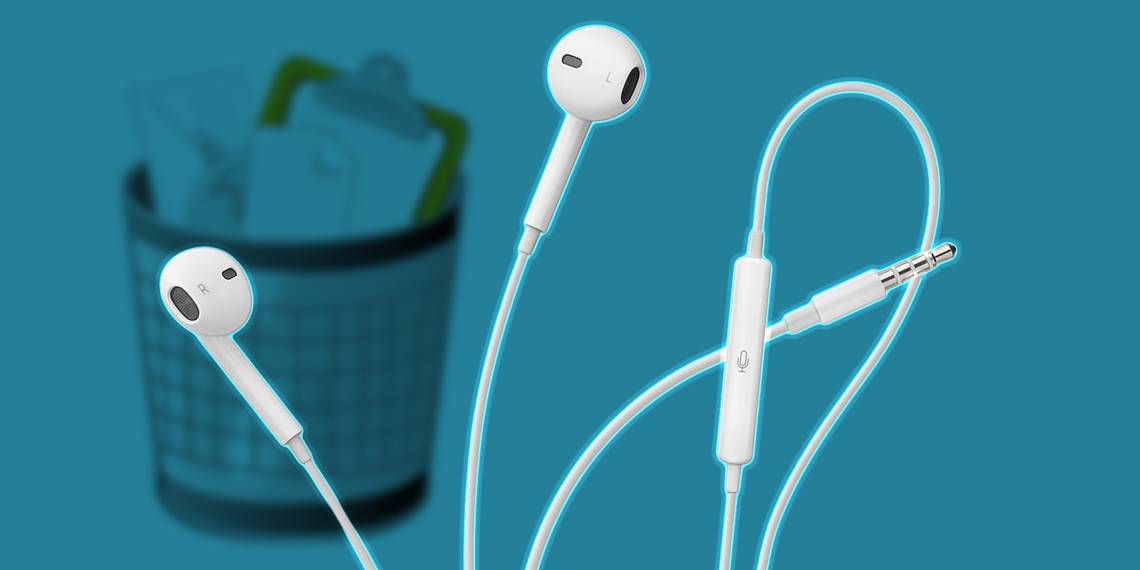
From talking on the phone to fast-forwarding music, there are a lot of different tasks you can accomplish with Apple's wired iPhone headphones. The center button makes it easy to control phone calls, music, podcasts, Siri, and more.
All you need to do is learn how to use them effectively, and we're here to show you.
The Controls on Your Apple Headphones

The basic Apple earbuds, also known as EarPods, are white headphones that come free with every iPhone, iPad, or iPod. They aren't as exciting as a pair of wireless AirPods, but you never need to worry about charging them and they actually give you more control over your audio.
Depending on the device they came with, your Apple headphones connect using a 3.5mm headphone jack or a Lightning connector. Either way, you can find the headphone controls attached to the wire beneath the right EarPod.
There are three buttons on the front of the controls:
- Volume up
- Volume down
- Center button
The volume buttons are pretty simple; use them to adjust the sound level of whatever you're currently listening to. In contrast, the center button offers lots of different functions depending on how often you click it and the app you're in.
You might be wondering where the microphone is for your iPhone headphones. On the back of the control section is a microphone icon, indicating a built-in mic. This whole section hangs around mouth height, making it perfect for taking phone calls, recording memos, or commanding Siri without lifting up your iPhone.
1. Control Phone Calls With Your Headphones

When you're expecting to talk on the phone, make your life easier and plug your headphones in beforehand. Thanks to the built-in microphone, you can talk hands-free without needing to hold your iPhone up to your mouth.
Here's how to talk on a phone call using your iPhone headphones:
- Answer a call: Click the center button while your iPhone is ringing to answer it.
- End a call: Click the center button while talking on your iPhone to end the call.
- Decline a call: Hold the center button while your iPhone is ringing to send it to voicemail. Make sure to keep holding the center button until you hear two beeps.
- Put a call on hold: If someone else calls while you're already on the phone, click the center button to answer the new call and put your current one on hold.
- Switch between calls: When you've got multiple active calls, click the center button to place your current call on hold and switch to the next one.
- End multiple calls: When you've got multiple active calls, hold the center button to end your current call and switch to the next one.
2. Control Music and Video With Your Headphones

When you listen to music, podcasts, audiobooks, or videos on your device you can control playback using the center button on your EarPods.
Here's how to control audio using Apple's wired iPhone headphones:
- Play/Pause: Click the center button to play or pause the music, podcast, audiobook, or video.
- Skip forward: Double-click the center button to skip to the next song, jump 15 seconds forward on your podcast or audiobook, or skip to the next chapter in a movie.
- Fast-forward: Double-click and hold the center button to fast forward your song, podcast, audiobook, or video.
- Skip backward: Triple-click the center button to skip back to the previous song, jump 15 seconds backward on your podcast or audiobook, or go back to the previous chapter in a movie.
- Rewind: Triple-click and hold the center button to rewind your song, podcast, audiobook, or video.
3. Activate Siri With Your Headphones

To use "Hey Siri," you need Apple's wireless AirPods or AirPods Pro. But you can still activate Siri manually with the white headphones included in the box of your device. Thanks to the mic, you can give hands-free commands to Siri as well.
You can also follow these same instructions to use Voice Control instead of Siri, depending on your device settings.
Here's how to talk to Siri or Voice Control from your Apple headphones:
- Activate Siri: Click and hold the center button until you hear two beeps, then start talking to Siri.
- Deactivate Siri: Click the center button to stop speaking to Siri.
4. Control the Camera With Your Headphones

It was once possible to control the camera on your iPhone, iPad, or iPod touch using the center button on your headphones. This made it easier to take better photos on your iPhone because you could snap a picture without touching the device.
Unfortunately, Apple removed this feature in later software updates. In case it ever comes back, here's how to use it:
- Capture a photo: Open the camera on your device and click the center button.
- Start/Stop recording: Open the video camera on your device and click the center button.
Audio Quality on Apple's Headphones
Apple's wired headphones have received a lot of criticism over the years for poor sound quality. Considering they come free with most of Apple's devices, they really aren't that bad, especially since you get a built-in microphone and extensive controls with them.
That said, if sound quality is important to you, there are better wired headphones on the market. Many of them offer improved isolation, a more balanced response, and even noise cancellation. But none of them come free with your iPhone.
If you're looking for wireless headphones, consider Apple's AirPods or AirPods Pro instead. They aren't the cheapest options available and don't have as many controls as Apple's wired headphones, but they work like magic with your Apple devices.
Use Your Headphone Controls With Other Devices
You aren't limited to using the controls on your Apple headphones with the device they came with. In fact, plug them into any laptop, smartphone, or tablet and you can use most of the controls in exactly the same way: adjust the volume, pause music, rewind, and more.
Of course, those with EarPods that use a Lightning connector can only plug them into mobile Apple devices. If you're looking to upgrade, there are tons of alternative Lightning connector headphones you might want to consider as a step up from the free Apple ones.