
Is the link in that email legitimate? Whether sent by a friend or a stranger, it's unwise to click links without knowing where they take you.
One of the quickest-growing security issues these days is ransomware, which is often spread by people unwittingly clicking dangerous links in emails, social networks, messengers, and other collaboration tools. Malware and phishing sites are also major risks.
While you should be vigilant about all your online activities, it doesn't hurt to have a little help. Here are several tools to check if a link is safe.
What a Link Checker Should Do
There are two types of URL:
- A standard-length URL, starting www, followed by the website name, and ending with .com or some other top-level domain.
- A shortened URL, such as goo.gl/V4jVrx (This is an example of a shortened link that leads to our website.)
It doesn't matter whether the link you received is a standard-length URL or shortened. If it is dangerous in any way, a link checking tool should alert you to this.
If the links are going to take you to a compromised website, the link checker will highlight this immediately. Similarly, direct links to malware, ransomware and other risks should be reported by these tools.
The following safe link checker sites will help you uncover the truth about those dodgy links. Check more than one at any given time to give you the best results.
1. How to Check Link Safety With Norton Safe Web
Another way to check a link for viruses or malware is to rely on this from online security giant Norton.
To scan a URL for malware, simply paste the URL into the checking field and click the Search icon. Norton Safe Web will then display a rating and provide community reviews about the website. If you want to add your own voice, you can create an account and join the community of link checkers.
As well as its browser-based link checker. Norton Safe Web offers two further tools:
- Norton Safe Search Extension is a Chrome address bar enhancement that adds quick safe search functionality to your browser
- Norton Home Page Extension brings safe search into all your search engine results
Both options will test links for safety before you click them and are ideal for safely browsing the web.
2. Is This Link Safe? Check With ScanURL

Another link checking tool to consider, ScanURL is an independent website that takes your link query submissions seriously via a secure HTTPS connection. Although the spam link checker is ad-supported, the results are good. You can also provide an explanation of where you saw the URL to help other users avoid it.
ScanURL polls Google Safe Browsing Diagnostic, PhishTank, and Web of Trust and provides information about the queried site's Whois record. The returned results will instantly indicate whether you should visit the site and are accompanied by a ScanURL recommendation.
Avoid the site if the results list it as dangerous.
Several sites (including some in this list) and tools are checked by ScanURL as it collates the results. Once the ScanURL result page has loaded, a permanent URL is applied. You can copy and paste this to share with friends, family, or the otherwise concerned for them to refer to. Handy!
3. PhishTank – the Phishing Link Checker
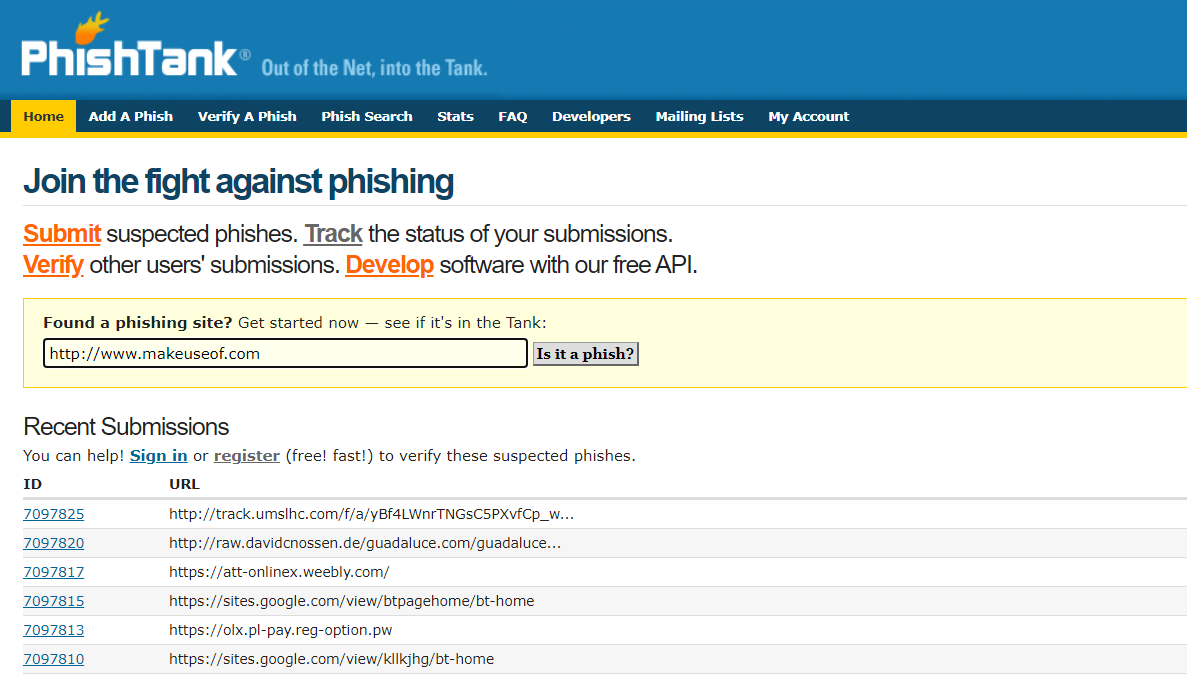
Instead of focusing on malware, PhishTank instead lets you know if a link is safe or if it will send you to a phishing site.
Once you enter a URL that you suspect of harboring a phishing operation, PhishTank will check it out. If the link is already "in the tank" then you'll get instant results. Otherwise, the site will provide a tracking number. Sadly, it's not as simple to check a phishing link as it is to automatically check some malware links…
Concerned about sites that might con you into divulging personal data? If you have any knowledge of identity theft, then you'll know this often occurs due to various types of phishing attacks. The infamous Geek Squad scam is one of them. PhishTank is always worth a visit when checking if a link is safe.
PhishTank is operated by OpenDNS. Anyone can contribute to the site and verify links that have been submitted by other users.
4. How to Check If a Link Is Safe With Google Transparency Report
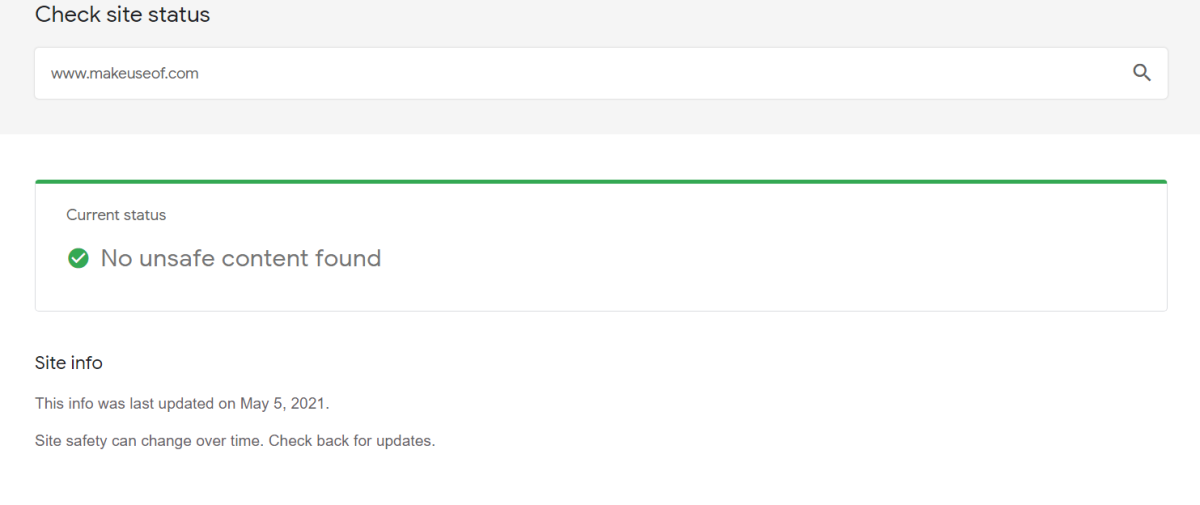
Google also offers a useful link checking service. The Transparency Report service offers a standard field into which you can enter the URL you're concerned about. A few seconds later, the results—captured by Google's web crawlers—will tell you if the site can be trusted.
Along with malware, Google Transparency Report will alert you to phishing risks. Concerned about accidentally giving your personal information away? Phishing is potentially a greater concern than malware, so it makes sense to be sure that the site you're planning on visiting isn't about to steal your identity.
5. Use VirusTotal URL Checker
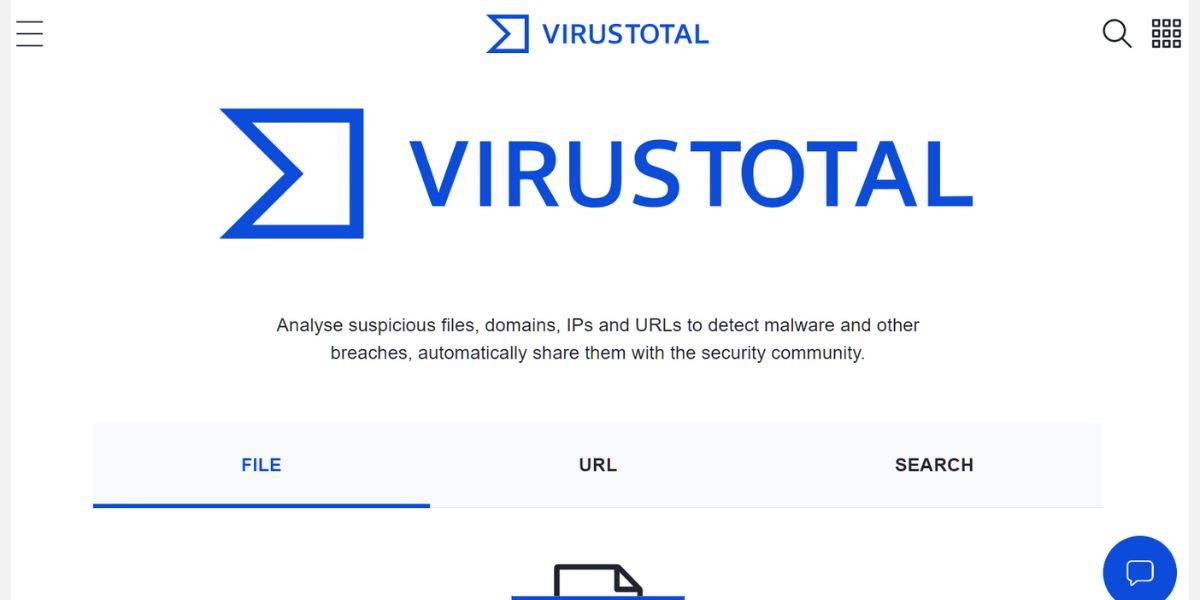
VirusTotal is a site created by security company, Hispasec Sistemas, and is now currently owned by Google. Offering a browser-based multi-function scanning tool, VirusTotal analyzes "suspicious files and URLs to detect types of malware."
The results of the scans are then shared with the online security community. Simply visit the site, click the URL tab, then paste the link in and search. A simple tool that will give you instant results, VirusTotal can also check link safety in its Android and Windows apps.
For developers, VirusTotal offers public and private APIs. While limited to non-commercial projects, these can be used to create your own file and link scanning tool on your website.
6. PSafe Dfndr Lab Suspicious Link Checker
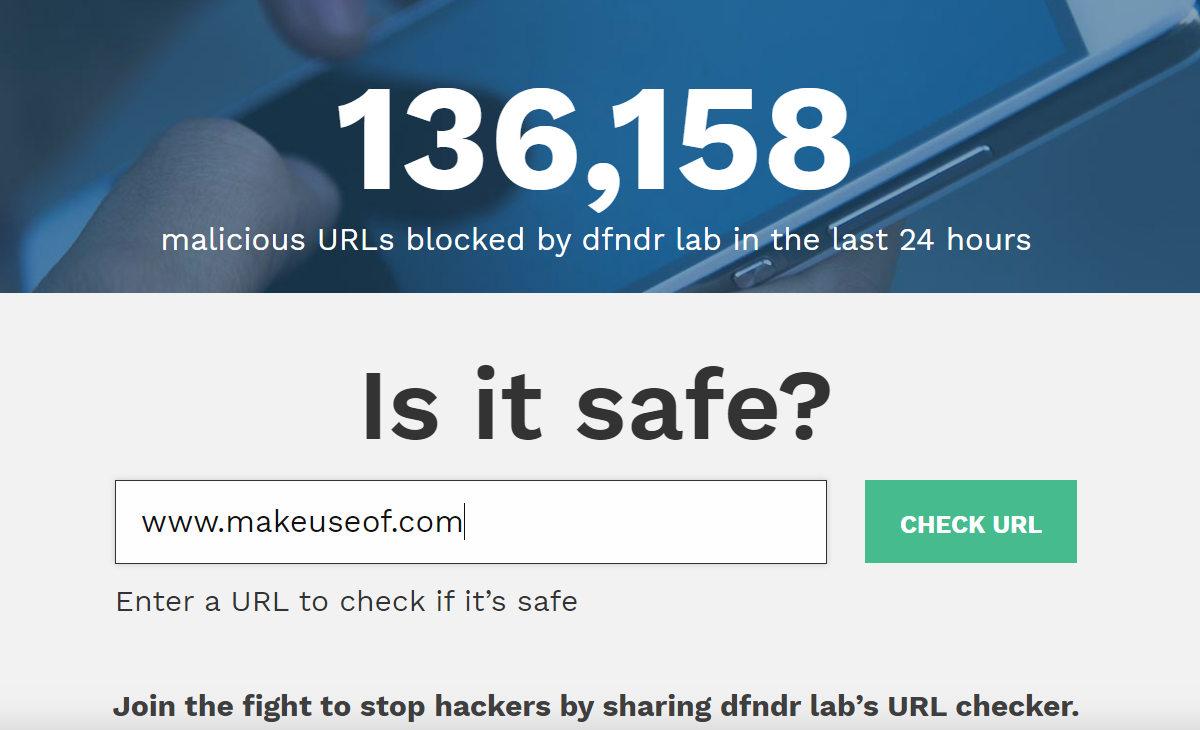
Psafe is a company specializing in security and privacy. Easy to use, the dfndr lab tool from PSafe helps you test a link for safety with a single click.
Just copy the URL you're querying from an email, web page, instant message, etc. into the search tool. Click Check URL to see the result.
If the website is found in the dfndr lab database, the site will display whether or not you can trust it. If not, or if the site is not found, you'll be encouraged to exercise caution: "If you are not 100% confident in the URL or website, you should not click on it."
Unlike the other link checkers listed here, dfndr lab relies on machine learning to detect "potentially unsafe URLs." In addition, links are cross-referenced with suspect URLs from other resources, while in-house analysis is carried out if the other tests prove inconclusive.
7. How to Know If a Link Is Safe With URLVoid
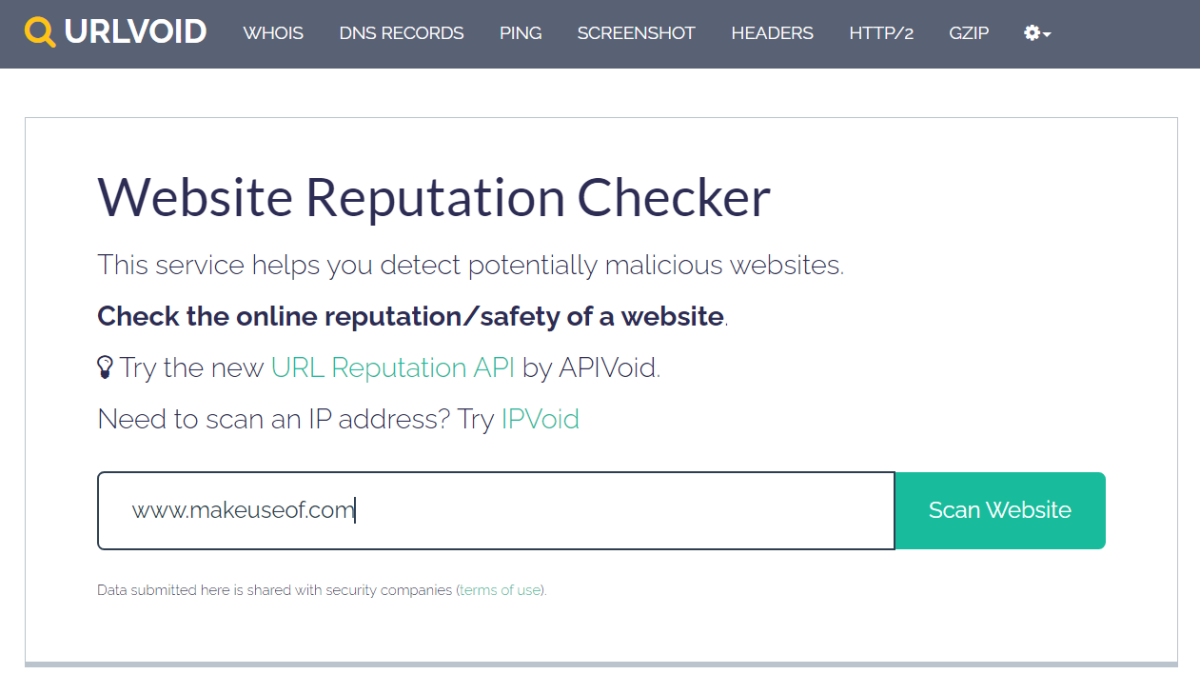
Finally, there's URLVoid, a tool to help you "detect potentially malicious websites." URLVoid is a free service offered by NoVirusThanks, an IT company based in Italy.
As with the other tools, simply input the suspect URL and wait for the site to check it. You'll find information about the URL and its history, any black ticks against it, and where the site is based if that information has been made public.
A list of services that URLVoid uses to generate its results is also displayed, with famous names including Avira, BitDefender, and PhishTank among them.
If you need to scan an IP address, URLVoid offers a companion service, IPVoid. For developers, URLVoice also provides APIvoid so you can create your own link safety checker.
8. Verify a Link With SiteCheck
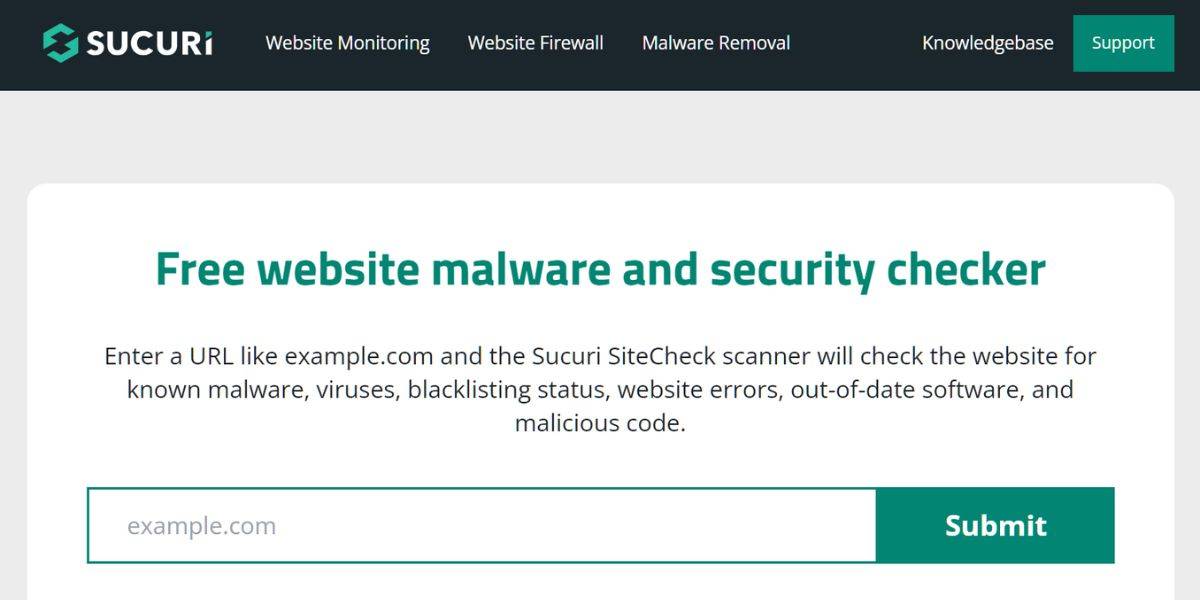
Owned by domain registrar GoDaddy, Sucuri is a company that specializes in security services for websites. SiteCheck is a free tool offered by Sucuri to help you verify whether a link is safe. SiteCheck will scan websites for security issues, including malware, viruses, and malicious code.
Simply copy the site's web address and paste it into SiteCheck's URL field. Click Submit for SiteCheck to generate the results. Minimal or Low Security Risk means that the link is safe. SiteCheck also scans for the domain's blacklisting status by drawing information from trusted places like Google Safe Browsing, McAfee, and ESET.
Which Link Checkers Do You Use?
We've collated the best URL checkers around, testing them to ensure they're perfect for keeping you secure when you're browsing online. These link checkers are safe to use and should deliver the confirmation you need when checking sketchy links:
- Norton Safe Web
- ScanURL
- PhishTank
- Google Transparency Report
- VirusTotal
- PSafe dfndr lab
- URLVoid
- SiteCheck
These sites will protect you from all manner of link-based security threats, from malware and ransomware to spoof emails and websites attempting to phish your details.