VLC media player is a free, cross-platform (Windows, mac, Linux) and open source video player written by the VideoLAN project.
It supports a huge number of video formats and can play pretty much any video file you throw at it. It’s also listed on MakeUseOf’s Best Windows Software page.
With VLC you may also play DVDs, VCDs, and stream various video that are stored online.
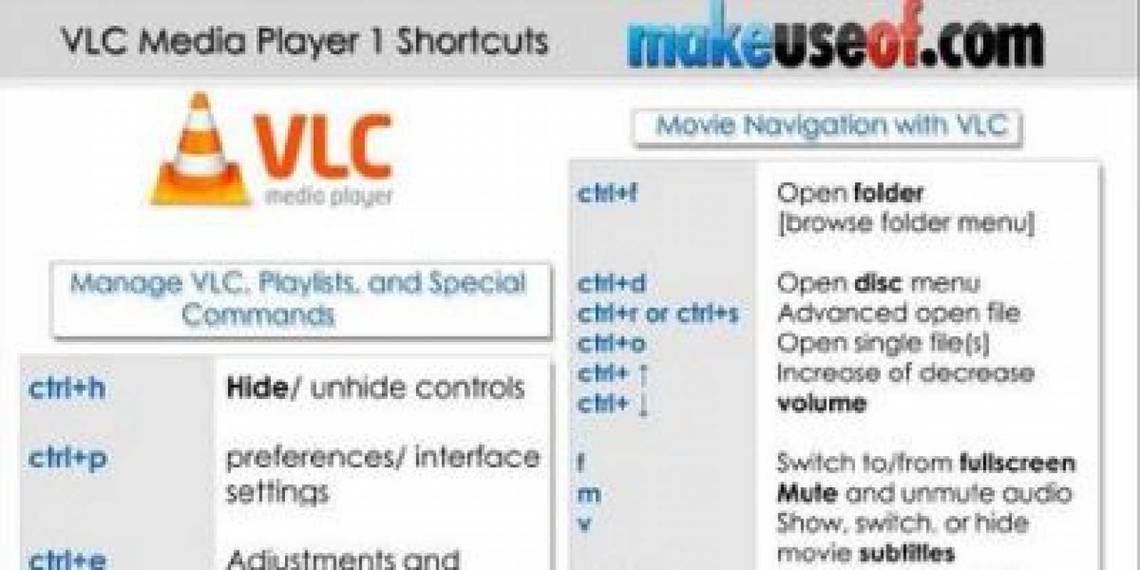
This cheat sheet lists a couple of dozens useful keyboard shortcuts for VLC player. If you’re a VLC fan (just like most of MUO authors) you should definitely get this cheat sheet.
How To Download
Use the share buttons below to download!
Option 1: Very easy! Share this page on Facebook, Twitter, or Google Plus. You need to use the buttons above to share and your download link will be revealed right below! That would also help us spread the word. Thank you!
Option 2: Subscribe to MakeUseOf Newsletter and get unlock password to our downloads. Enter the password below to download the file. (Already subscriber? Re-enter your email in the newsletter subscription form to retrieve the password).
Hide 7 Comments
How to download??
Right click–>click “save image as”. Press enter. Done.
No its Right click–>click “save link as”. Press enter.
Thanks for the correction!
thanks again
Now that I have discovered VLC, I have made it pretty much my default for viewing video content from AVI to DVDs! This guide seems to help answer some questions I had about navigation through the process!
These cheatsheets and shortcuts are a welcome addition to my accessory files. I can never have enough helpful information regarding the use of my computer in dealing with various software. If it makes life easier and my time shorter using these cheat sheets & shortcuts I am all for it.
VLC is the best media player ever.