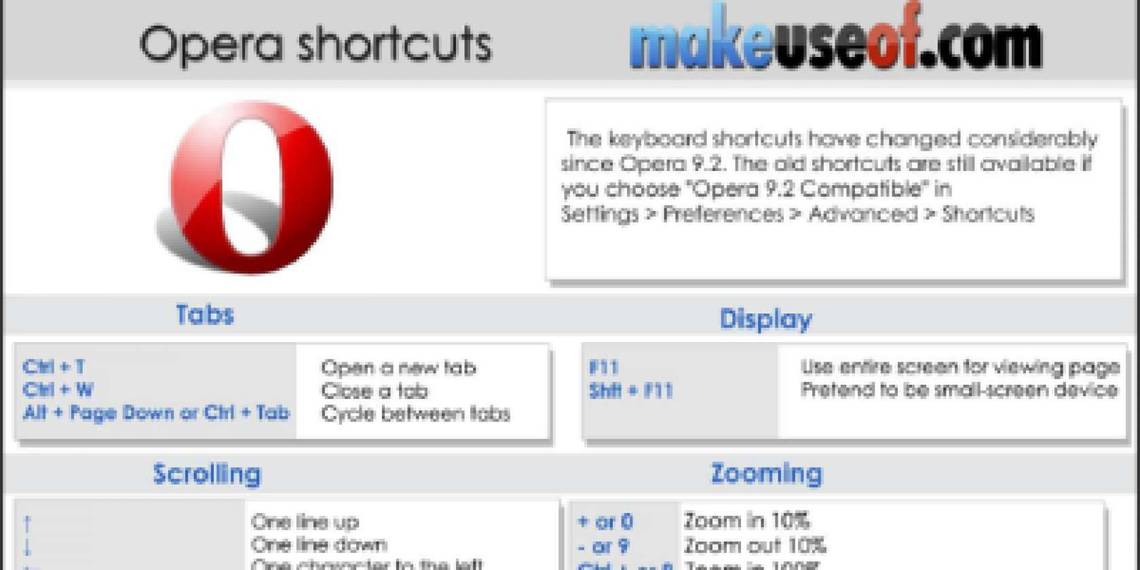
Opera is often referred as the fastest browser around. Apparently, it’s also only browser that comes with everything you need to be productive, safe and speedy online.
This cheat sheet highlights a bunch of useful Opera features and shorcuts for speedy and productive browsing experience. You are able to browse considerably faster using the keyboard shortcuts, and this cheat sheet gives you an overview of the available keyboard shortcuts.
Download Link
We are testing a new download system that doesn't require a password or newsletter subscription. If you prefer this way, please consider sharing this guide with your friends; this will help us to make more awesome free guides in the future.
Similar Stuff
-
Internet Explorer Shortcuts
-
Google Chrome Shortcuts
-
Firefox Shortcuts (Mac OSX)
-
Firefox Shortcuts (Windows)
Download Other MakeUseOf Guides and Printable Cheat Sheets (all FREE)
Leave a comment
Get a MakeUseOf account using one of your online accounts below.
Why? Earn points, unlock giveaways, access locked exclusives.
Hide 11 Comments
Well, I tweeted and yet I still can’t download this. You can’t tweet the same thing twice apparently, so perhaps I’ll try facebook.
did the Facebook option work for you?
Try +1 it works but the password is easy to guess so try in .
I tried downloading the Opera shortcut cheetsheat but all I got was a message saying the file might be damaged and couldn’t download it. Is there a problem or is it just me?
My problem is fixed. Guess is was just a temporary bug .
thanks, probably a short temporary glitch somewhere
amazing
Do not agree as Chrome is the fastest browser ever .
agreed with that
Sorry I want to mean that Opea is not the fastest browser every and that Chrome is .
If you can’t get to it, here’s a handy Opera shortcut: Ctrl-U. Then search. I’m just sayin’. ;}