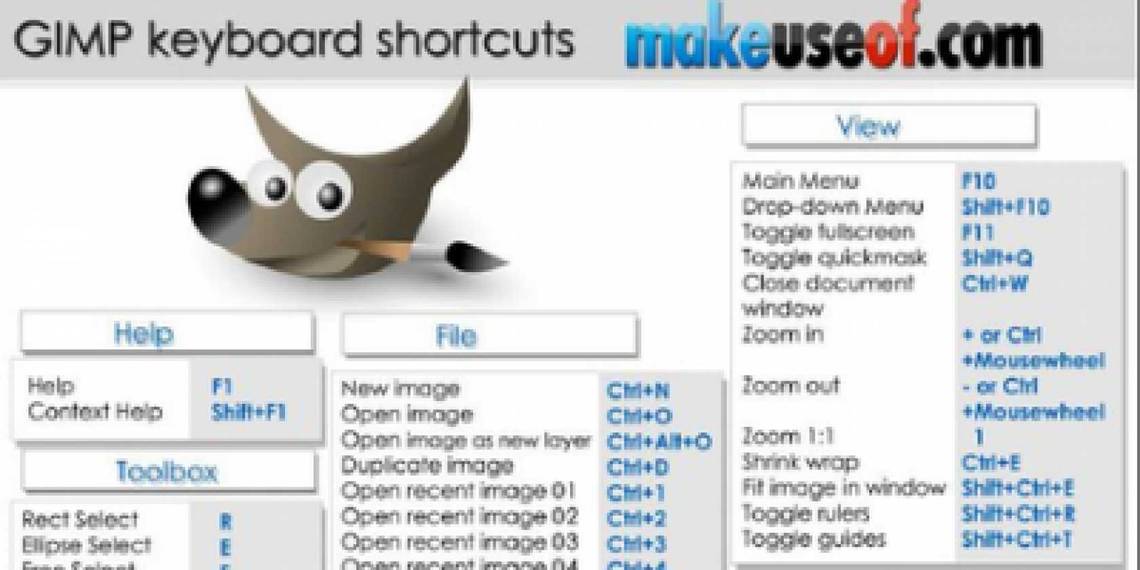
GIMP (GNU Image Manipulation Program) is a free image editing and manipulation tool editor which is often tagged as free Photoshop alternative. It can handle essential image editing tasks like image resizing, editing, cropping, photomontages, and converting images between different image file formats.
GIMP is freely available for most popular operating systems including Microsoft Windows, Apple Mac OS X, and Linux.
This cheat sheet lists useful keyboard shortcuts for working on GIMP.
How To Download
Use the share buttons below to download!
Option 1: Very easy! Share this page on Facebook, Twitter, or Google Plus. You need to use the buttons above to share and your download link will be revealed right below! That would also help us spread the word. Thank you!
Option 2: Subscribe to MakeUseOf Newsletter and get unlock password to our downloads. Enter the password below to download the file. (Already subscriber? Re-enter your email in the newsletter subscription form to retrieve the password).
Hide 10 Comments
thanks Aibek
you’re welcome
I have literally downloaded all MUO Guides and Cheats Sheets… thanks Aibek
you’re welcome)
I have become a very big fan of Gimp, I even have it on a portable drive! It is one very nicely written piece of software! Thanks for the shortcut guide, making it even more useful!
Awesome cheat sheet! With Gimp being so cluttered, this will help me a bunch. Thank you kind sir!
Thanks man .. I am using GIMP for all types of Image editing (since I dont want to use photoshop without paying them.).. and this guide will help me a lot..!
Thanks again !..
Thanks!
What about do it in other languages? I don’t mind giving a hand if wanted.
not in plans yet, first we would like to expand the catalog to include more cheat sheets.
Thank You. as a regular user of Gimp, this helps. Most of these I already know, but you always learn something new.