Dropbox Tips

dropbox tips shortcuts1 Dropbox Tips

Dropbox is an extremely popular, easy-to-use online file hosting and sharing service that was founded by two MIT graduates. It lets anyone easily backup important files and also synchronize those files across multiple computers as well as mobile devices.

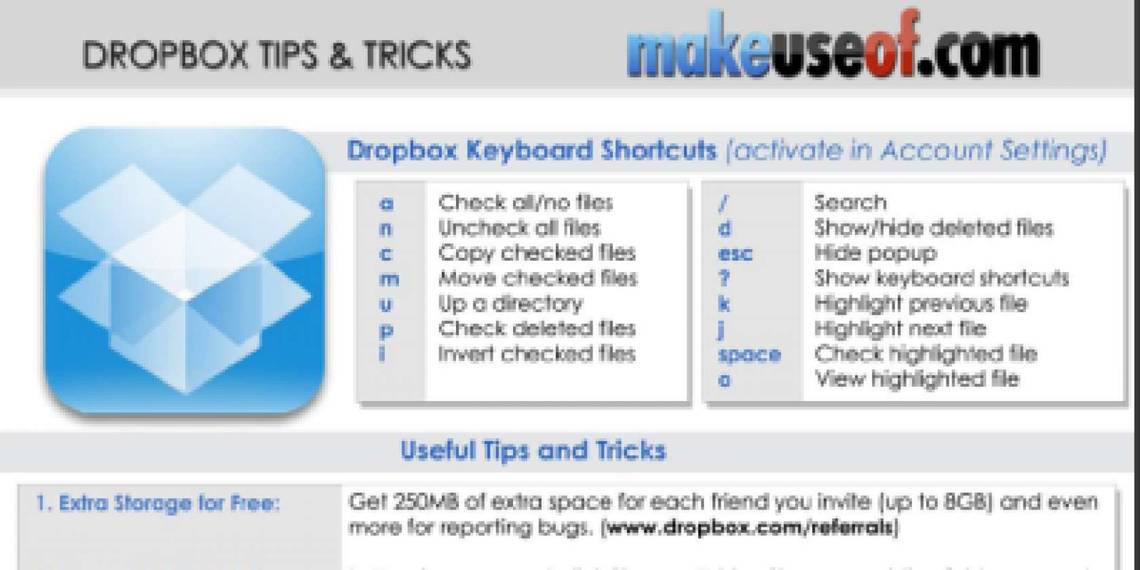
This cheat sheet outlines handy Dropbox keyboard shortcuts, some of its useful features and third-party websites whcih extend Dropbox uses further. Definitely a must-check for all Dropbox users.

Enjoy and share!

How To Download

Use the share buttons below to download!

Option 1: Very easy! Share this page on Facebook, Twitter, or Google Plus. You need to use the buttons above to share and your download link will be revealed right below! That would also help us spread the word. Thank you!

Option 2: Subscribe to MakeUseOf Newsletter and get unlock password to our downloads. Enter the password below to download the file. (Already subscriber? Re-enter your email in the newsletter subscription form to retrieve the password).

Leave a comment

Get a MakeUseOf account using one of your online accounts below.
Why? Earn points, unlock giveaways, access locked exclusives.

Hide 11 Comments

  • Senapati Sivaramkrishna February 27, 2012
    1 like

    I have installed Dropbox on my PC and iPad 2.when I transferred my write up 300 mb it took 3 days and not loaded on my iPad. Out of sheer disgust, I had to delete. Have you any comments to make?

    | Like
    • Luke Abell February 27, 2012
      1 like

      you obviously have very slow internet. It’s snappy for me!

      | Like
    • Amber Denoso February 27, 2012
      0 likes

      Upgrade to high speed internet. Dial up has really slow upload speeds. I have it on both my computers and my Droid and it’s fast, effective, and free!

      | Like
    • Ed February 27, 2012
      0 likes

      Change the bandwidth settings of Dropbox in your PC. Right click the Dropbox icon, then click Preferences, change both Download and Upload rate to “Don’t limit”.

      | Like
  • Peter Hill February 27, 2012
    0 likes

    Nice cheat sheet.
    But I would be cautious of the DropTunes link. You would be entering your username and password into an unsecure third party app. Just saying…

    | Like
    • Tina February 28, 2012
      0 likes

      Thanks for the heads-up, Peter.

      | Like
  • Sami Kujansuu April 10, 2012
    0 likes

    I don’t think “ln -s” is going to work on Windows

    | Like
  • CARLOS ANGULO April 10, 2012
    0 likes

    I think you guys missed this useful Dropbox plugin http://wappwolf.com/dropboxautomator

    | Like
    • Aibek April 11, 2012
      0 likes

      thanks, we will add it during the next update

      | Like
  • Jim Spencer August 26, 2012
    0 likes

    Just discovered this guide and it looks like I have some comparing to do! Maybe I’m not quite ready to give up Dropbox for Google’s version yet!

    | Like
  • Rich Mc. September 11, 2012
    0 likes

    looks like a great sheet to keep on hand while using this

    | Like